






















Looking for the right gaming laptop or computer for your personal gaming experience? Look no further. I’m going to explain how to find the best gaming laptops and PCs on the market, and what you should look for. After that, I’ll give you some really cool computers I’ve found on Amazon and eBay so you can compare or buy one from one of my recommendations.
CPU, Gaming Card, RAM, and Storage
In order to get the best machine for your experience, you have to look at a few things. The information about the computers on the market is located in the specs, or specifications, of the computer and what's inside.
Skip to the bottom of this article if you don't need a breakdown on computer parts and just want to find the best computers to buy now.
STORAGE - SSD (SOLID STATE DRIVE)
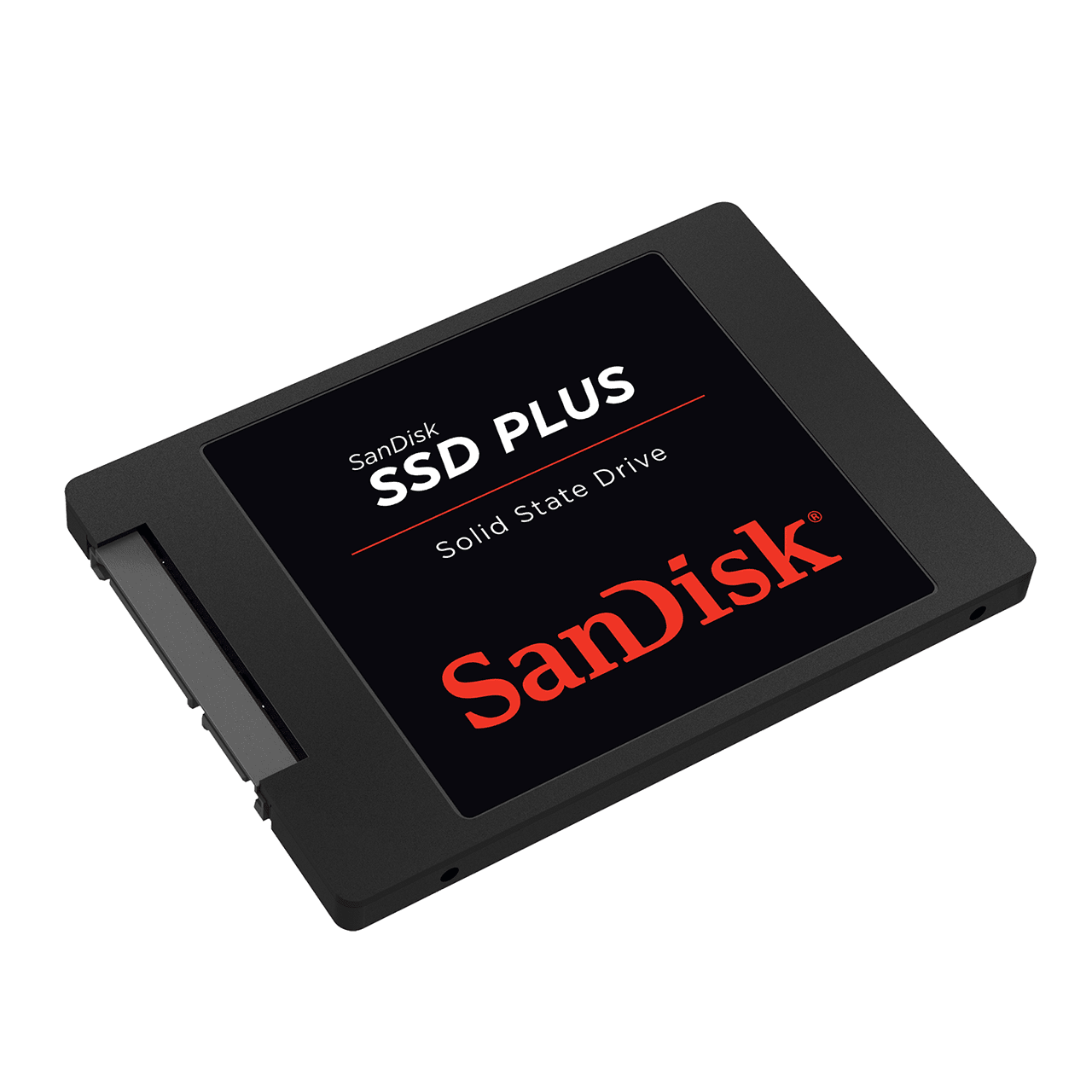
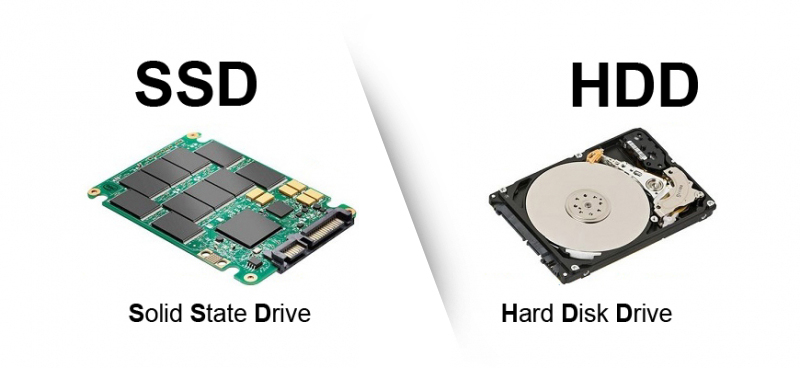
All newer computers, PCs, and MacBooks have what's called an SSD or a Solid State Drive. This is important to know, because these are the fastest storage devices on the market. It's not really a hard drive, but it is a type of hard drive. Originally, hard drives are called HDD, and they are painfully slow and take forever to load. Solid State Drives are different because they don't have a spinning disc inside like HDDs do. Think of it like this, Nintendo 64 was a game-changing console because it required cartridges instead of CDs like the PS1 and Sega Dreamcast. That means there are virtually no loading times and everything boots up very fast. That's similar to the experience with an SSD. Your computer will boot very fast and you can restart your computer in less than 10 seconds if you need to, and everything will be up and running again.
Make sure your SSD is at least 128gb. If you have double that size at around 256gb, you should be setup, but 512gb is a very good amount. You can always get 128gb and buy external SSDs to back up your files if you want to save money and get a budget-friendly machine.
CPU - CENTRAL PROCESSING UNIT (THE COMPUTER CHIP)
Your computer chip is important because it also determines how strong and powerful your computer is. Without a good computer chip, you basically have a stoneage machine and it almost doesn't matter what else is in it. You pretty much need the newest and latest computer chip in order to have a good gaming experience. If you have a semi-new one or one that came out within the last 5 years, you are pretty much safe. You only need to upgrade the chip every 5-8 years or so. If you have a good budget, you can get the newest one and not have to worry too much unless you are gaming at 4K resolution with extremely cranked up graphics. You can have a casual and very good gaming experience with a not-so-new chip, just make sure it's not very old or very weak, or it's no good.
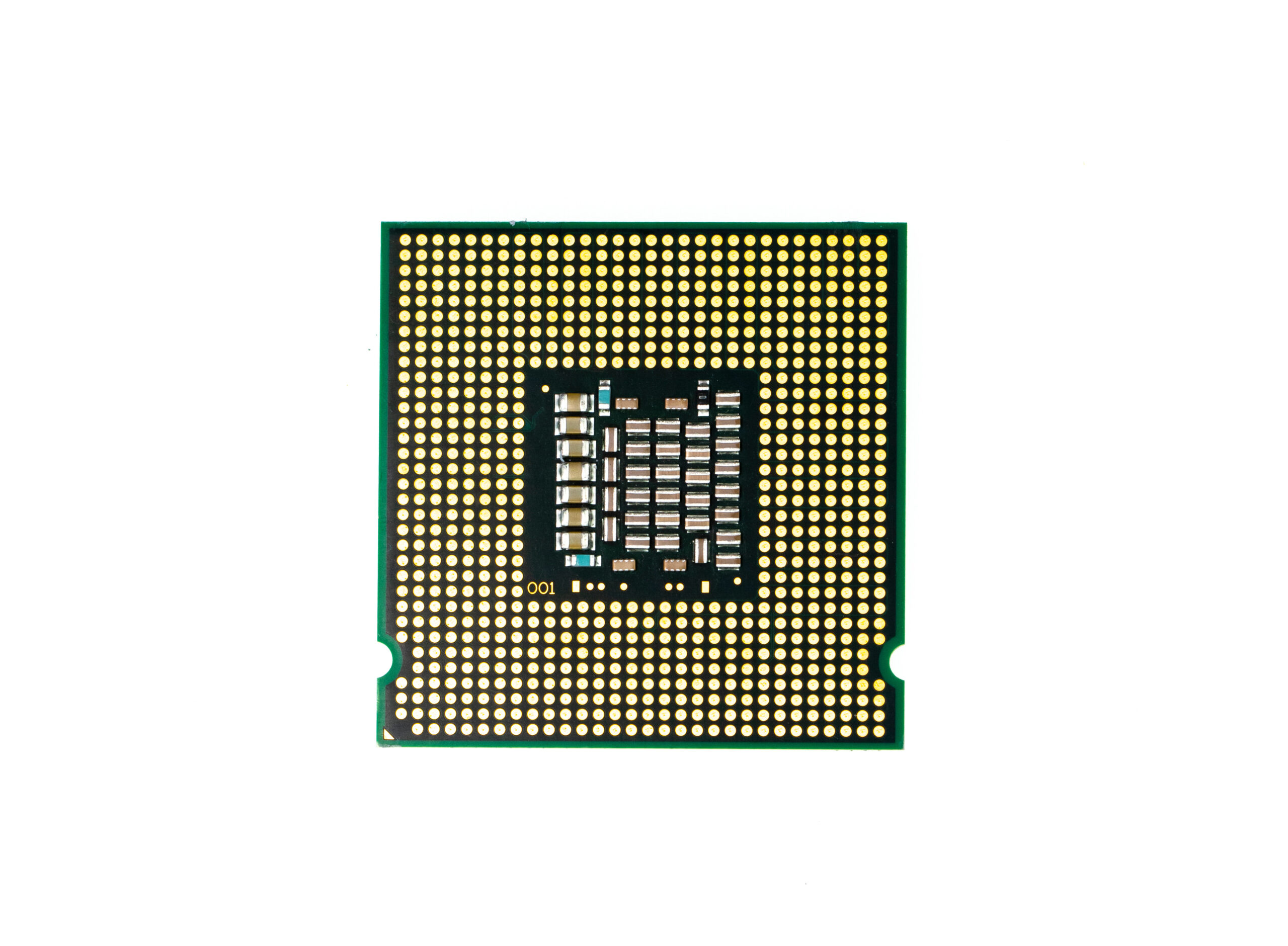
Intel and AMD make computer chips. AMD makes affordable and powerful computer chips and you'll always get more for your money with AMD. The main problem with AMD is that they make names with weird numbers and they are hard to read for beginners. Some people simply just prefer Intel and don't mind the awkward labels from AMD but just prefer Intel. Intel, on the other hand, is far more recognizable and a bigger brand when it comes to computer chips.
Intel computer chips start at Intel Celeron, Intel Pentium, and Intel i3. These are all very old and basically are bad for you to start gaming with or making content. Absolutely unusable in this generation and way too old. You will need an Intel i5 or i7. There is also the Intel i9 and Intel Xenon. You will want to stay in the i5 and i7 range. There are multiple generations and you're better off with the latest generation of i5 or the latest generation of i7 to get a good gameplay experience.
Computer chips also run at a specific speed and the best computer chips run around 2.8GHz (gigahertz) or 3.0GHz. These give you a great experience overall and run pretty fast with great graphics.
RAM - Random Access Memory (COMPUTER MULTITASKING)
RAM is one of those not-so-understood components of a computer, but I'll make it short, simple, and easy for you. This helps with multitasking when you're browsing the web, and open up hundreds of tabs, but then if you minimize your browser and start doing something else, your computer has the power to do it all without running out of memory and shutting down, freezing, or operating slowly. This is integral.
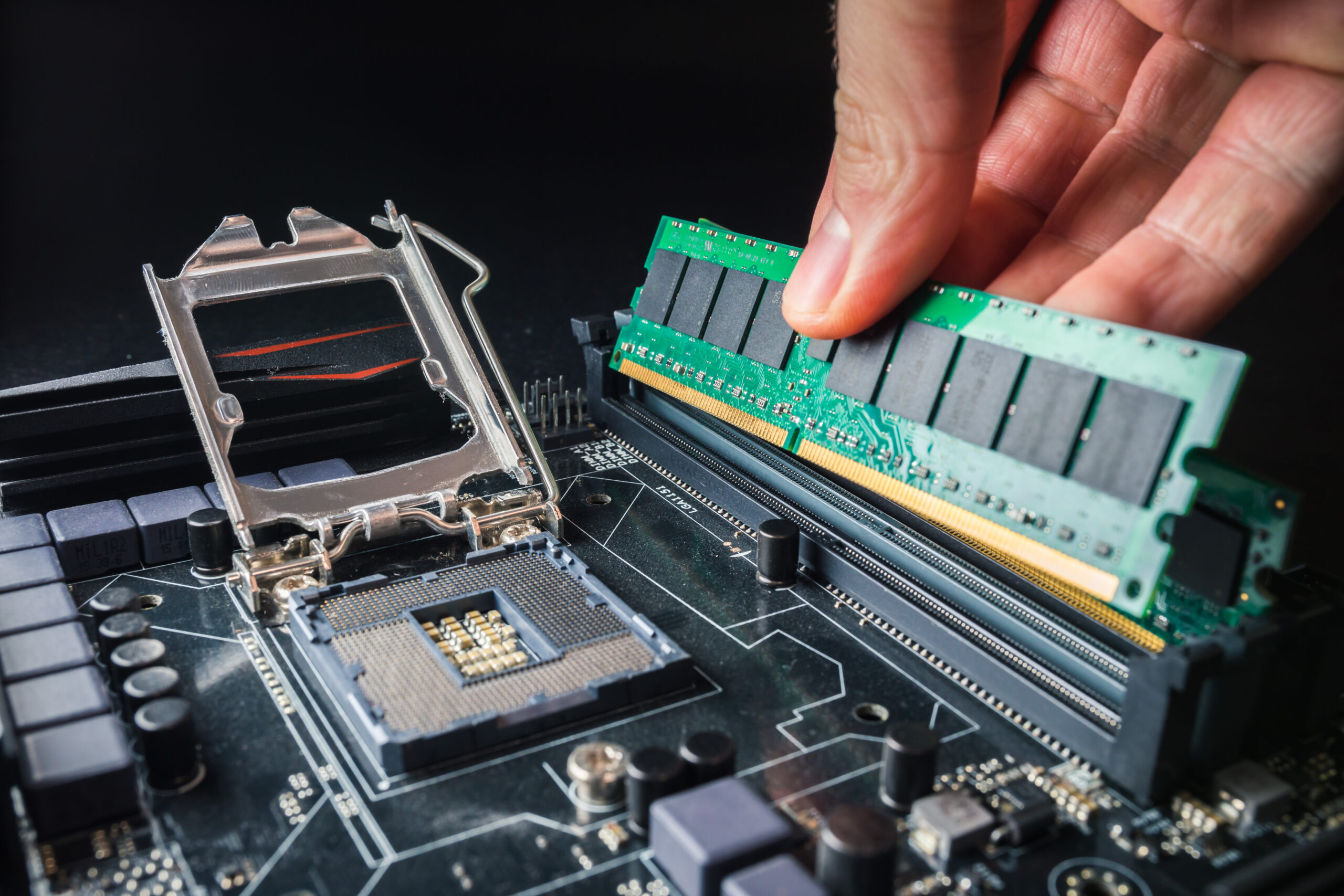
In order to power a great experience that lasts for a long time without the need for a replacement computer or new parts, you want to stick with around 16gb. Sometimes, you can get away with 8gb of RAM. But you really don't want to go any lower than 12gb of RAM. The thing about RAM is that you can mix the different sizes because they come in different sizes and you can install them into your computer or laptop really easily. Most times, you can't replace the GPU or the SSD in your laptops, but sometimes you can replace and upgrade the other parts. But you can ALWAYS replace your RAM and upgrade it in any machine at any time. Aim for 16gb for the best experience.
GPU - GRAPHICS PROCESSING UNIT (GAMING CARD)
I saved the best for last. The gaming card. The reason for this is because once you understand why you need good products inside your machine, it only makes sense to have the greatest part of it all, which is the powerhouse to your visual graphic experience. It's fine that you have a nice size of RAM and a powerful chip, but these things mean next to nothing for your video gameplay if you have no video card or a very weak one. A weak video card is almost like not having one at all, so pay attention to the video card when making your purchase. Video cards also come with their own built-in RAM support called VRAM and it is separate from the RAM in your computer. In order to get the right one, you will look at the NVidia and AMD brands for your GPUs.
NVidia makes very easy-to-understand GPUs but they are not all affordable because they are a dominant brand and use expensive material to create the video card. Not to mention, people use them to mine bitcoin and cryptocurrency so the market has been desaturated. Therefore, they are very expensive and it's important to know which one to get for your budget and experience. You also cannot change the GPU inside your laptop, because only desktop computers can upgrade and change the GPU components. Laptops have them soldered into the entire motherboard, so once you pick a laptop with a gaming card, you will be stuck with that gaming card until you upgrade the entire computer. Please remember this when making a purchase on a laptop machine for gaming.
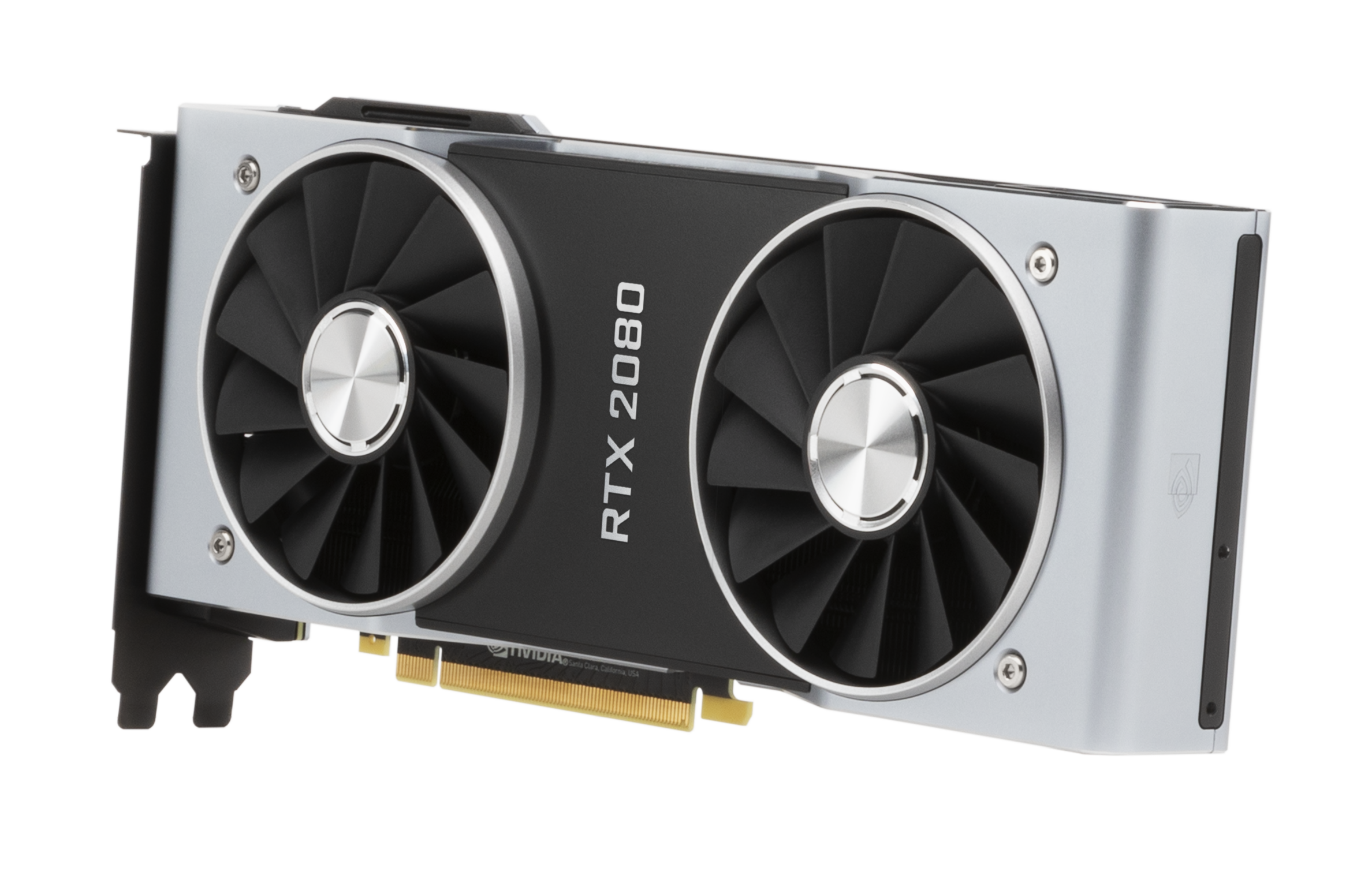
AMD makes affordable GPUs but they have very long extensive names and sometimes its easy to confuse the GPU for the CPU computer chip, and these are two, very distinctly different computer components. The best way to buy a computer with affordable AMD parts, is the get a computer or laptop with an AMD chip coupled with an NVidia gaming card. That way you save money on your computer chip and you have a super powerful gaming card. You can't lose that way. If you want both an AMD chip and AMD gaming card, you have to carefully look through the specs and make sure that the website shows that there are two different AMD parts. Otherwise, lots of websites including Amazon and eBay can get away with selling you a computer with just a computer chip and no gaming card at all. As I said before, to avoid this you must read the specs and see that there are both in the computer, or you make sure to get an AMD chip with a GPU.
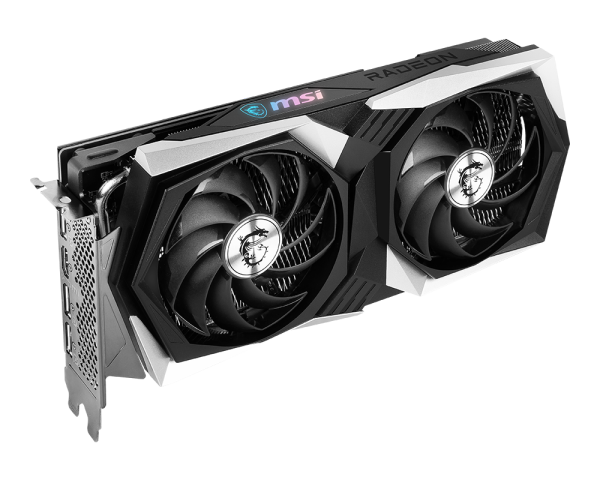
The best way to shop for a powerful laptop is to type into the search bar something like this: "gaming laptop rtx amd" or "gaming computer rtx 3070". I would avoid Walmart and I would instead recommend Best Buy and Amazon for the best purchase. Computer desktops will always be cheaper than the laptops, and they are always much more popular than gaming laptops as well.
Now, I will share with you my suggestions for under $1,000 that I found on Amazon and eBay!
-
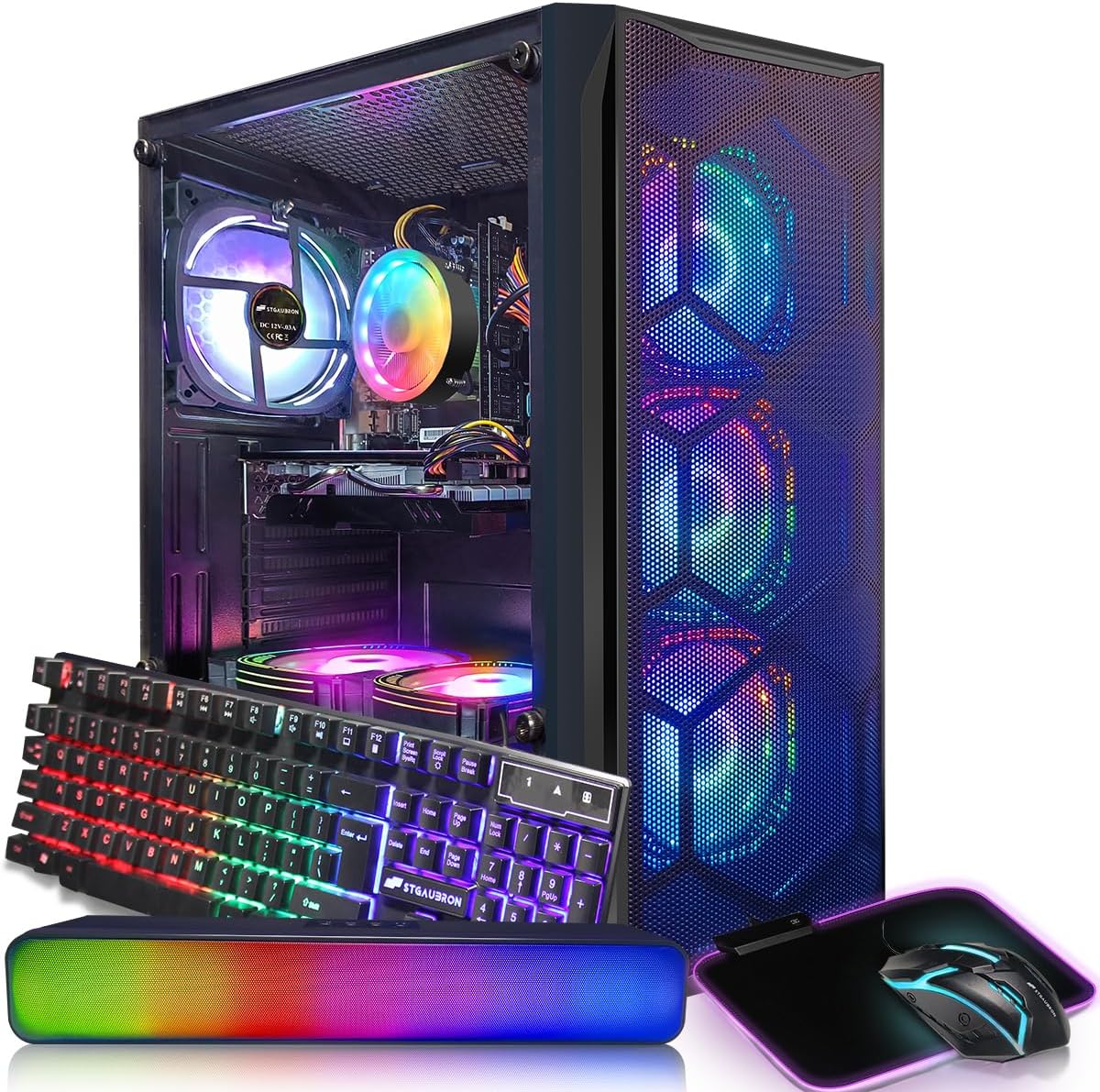
1 STGAubron Gaming Desktop PC
This is a great starter desktop kit. Not only is it colorful for a great aesthetic in your room or studio, it comes with a keyboard and mouse. You can plug it into your TV with an HDMI cord or buy a small monitor and play immediately.
It has Wi-Fi built in, all the specs are really fast, and it has 512gb SSD for storage.
The processor features an Intel i7 chip running at 3.0 Ghz, and the gaming card has 8gb of dedicated VRAM. There is 16gb of RAM and it comes with Windows 10. It also comes with a sound bar so you can enjoy music and movies on your computer.
Overall, this is a solid purchase with a really great package. Highly recommended! It's under $500.
-
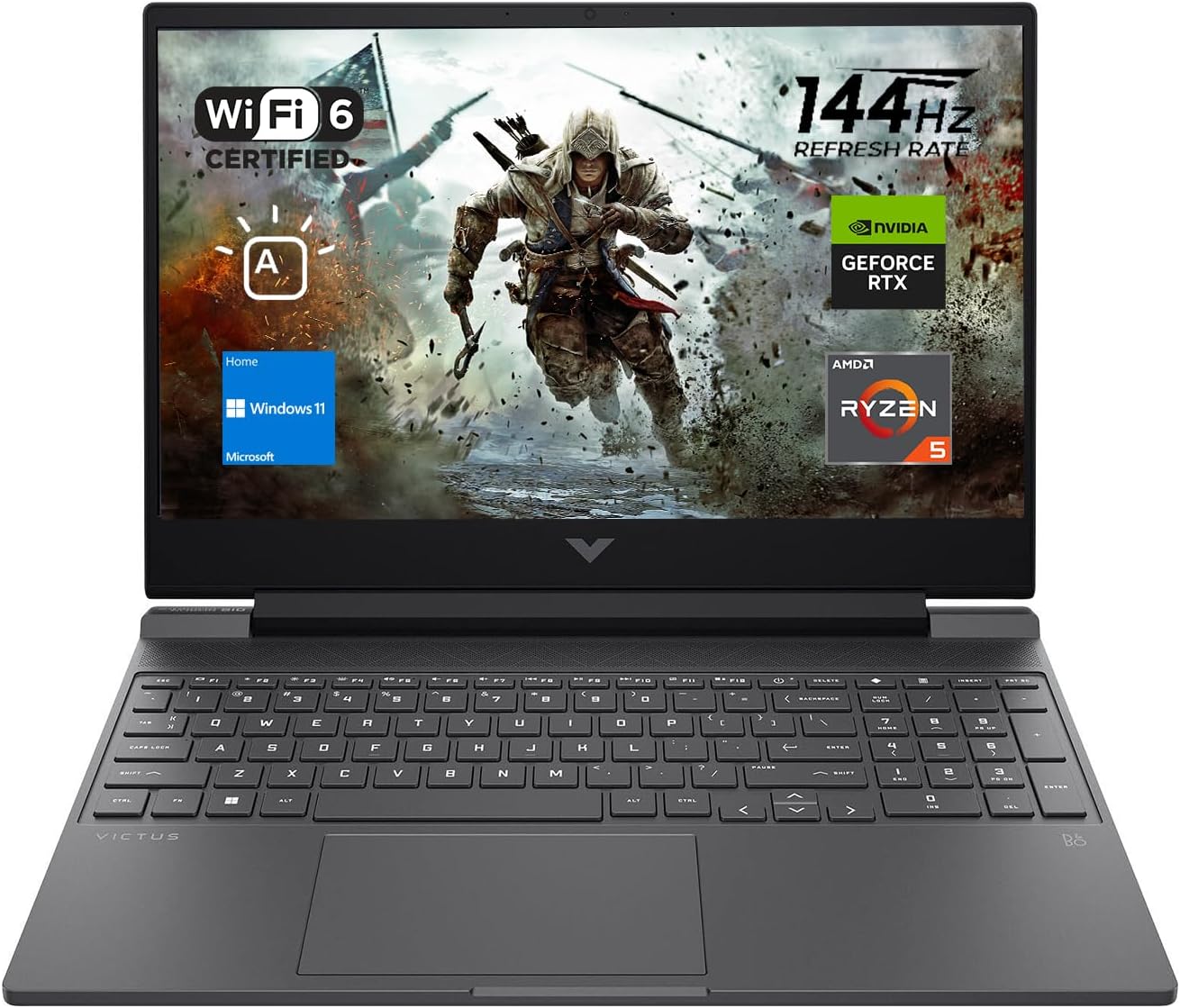
2 HP Victus 15 Gaming Laptop
This is a great starter machine for gaming on the go. If you don't like to be stuck in the house and want to essentially bring your console with you, a gaming laptop is your best option.
This computer is packed with an AMD Ryzen 5 processor chip, 16gb of RAM, with 512gb of SSD storage. There is built-in Wi-Fi, Windows 10, a back-lit keyboard for playing in the dark or at night, a webcam, and a powerful NVidia RTX 2050 gaming card. You will love this computer for gaming. It's under $600.
-
3 HP Victus 15 Gaming Laptop
This laptop has the same name but some of the specs are different. It's a tad bit more expensive because some of the parts are better quality. Here's the official run down.
The processor chip (CPU) is an AMD Ryzen 5 7000 with an NVidia RTX 2050 with 4gb VRAM. The ram comes in at a low 8gb but probably makes up for its performance with a powerful CPU and GPU and combined VRAM. This one also has 512gb SSD storage and comes with Windows 11 instead of 10.
It's coming in at under $650.
-
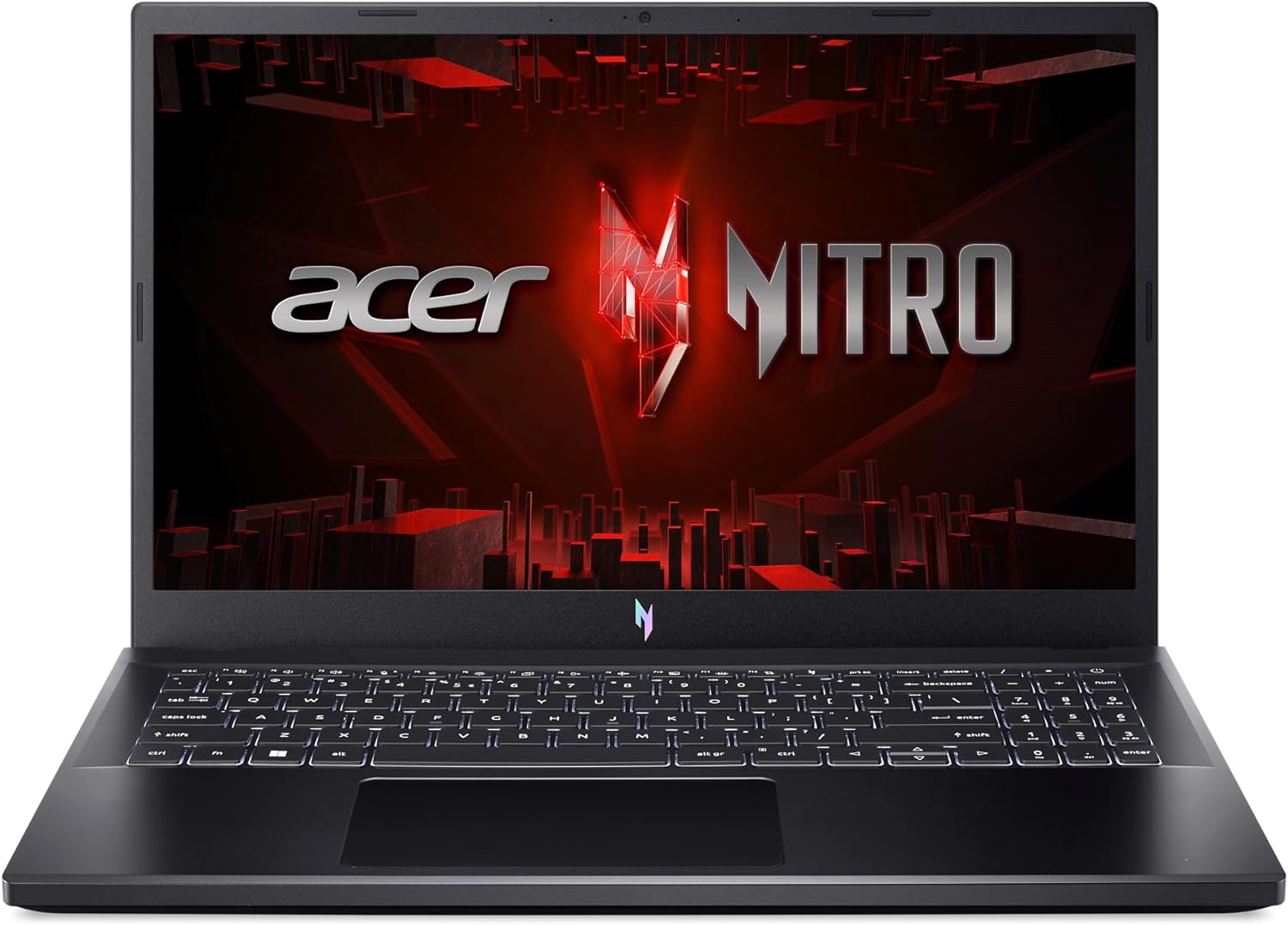
4 Acer Nitro V Gaming Laptop
We're looking at another AMD - NVidia combo here which means you're saving money and not having to spend $1,200.
The specs are as follows: You have an AMD Ryzen 5 5500H processor chip, with NVidia RTX 2050 and a whopping 32gb RAM. You also have 1TB or SSD storage (which is 1,000gb). A lot of people argue that RAM doesn't need to be that high, but in my experience, my computer has been way faster with more RAM. This is great! And you have plenty of space for your games and files with a thousand gigabytes of space. It comes with Windows 11 built-in. What are you waiting for? This is the budget laptop you've been looking for!
This laptop is right at $700.
-
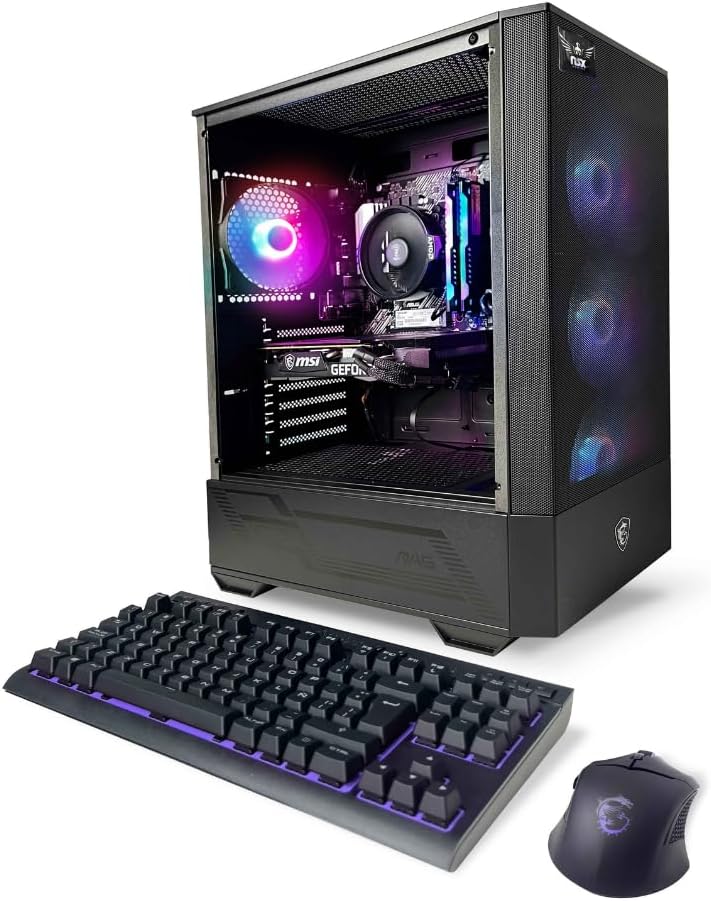
5 NSX GAMING PC Tomcat
This is another budget desktop available on Amazon Prime for a good deal. It's a simple package that includes the desktop computer, a keyboard, and a mouse. All you need is a screen or TV to plug everything into.
It comes with Wi-Fi built in which is a huge plus for a desktop computer. It's got 16gb of RAM, and an AMD Ryzen 5 5500 processor chip with 512gb of SSD storage. The gaming card is a RTX 3050 with 6gb of dedicated VRAM.
This is a powerful machine on a budget.
This computer costs under $550.
-
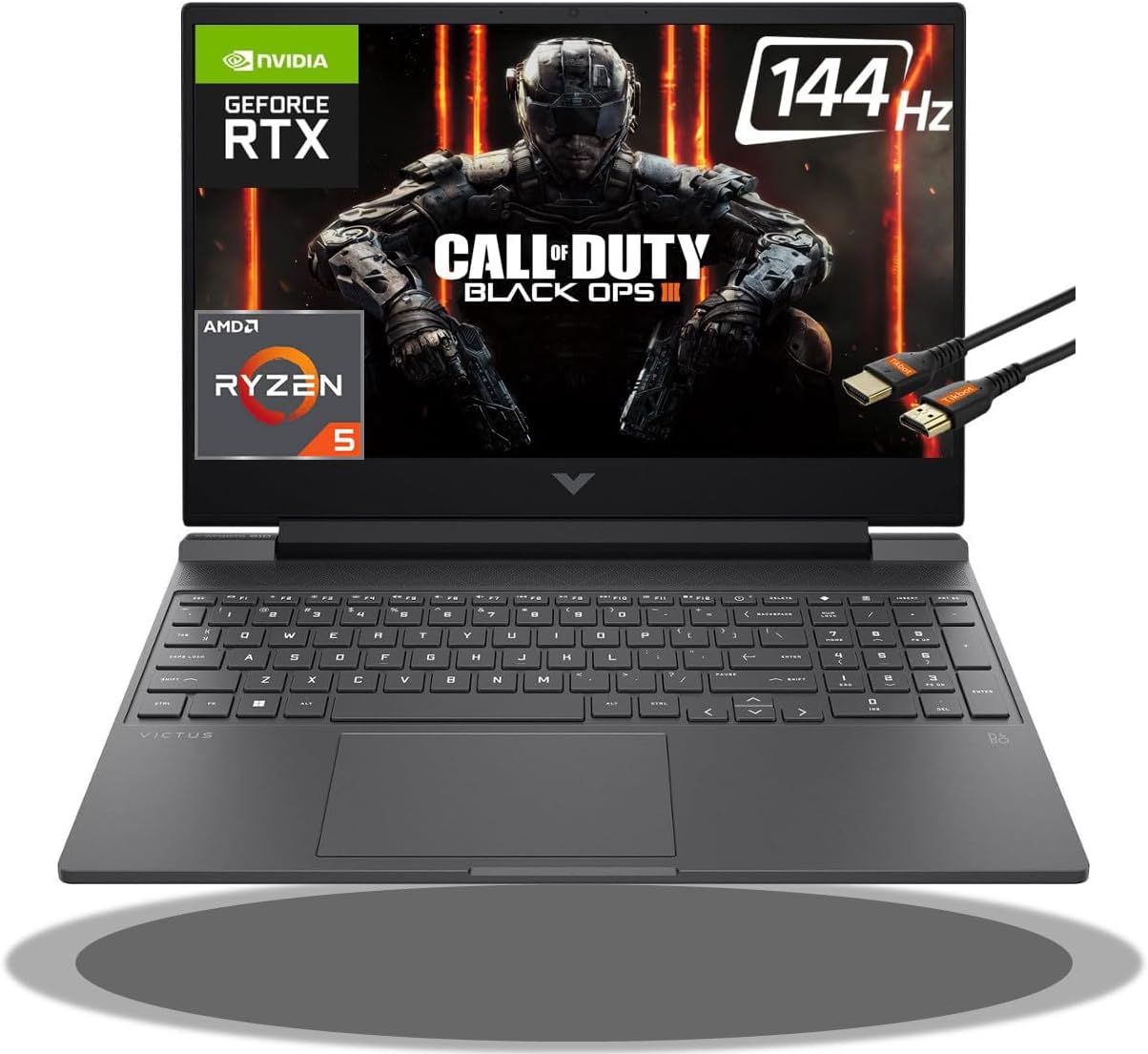
6 HP Victus 15 Gaming Laptop
This HP laptop is on sale on eBay with a Ryzen 5 processor chip, and an NVidia RTX 3050 TI gaming card that has 4gb of VRAM coupled with 8gb of RAM and 512gb of SSD storage space for your gaming experience.
It costs under $500 and comes with free shipping.

I put together this list to help you find and purchase your own computer without having to dig through multiple pages of computers and laptops that are incredibly expensive. If you need any other help finding the right computer, feel free to reach out to me on social media, and I'll try to help you find what you need.

0 Comments